
Installation
Deploy Bifrost using Docker Compose
Prerequisites
Section titled “Prerequisites”- Docker and Docker Compose installed
Quick Start
Section titled “Quick Start”-
Clone the repository:
Terminal window git clone https://github.com/jackmusick/bifrost.gitcd bifrost -
Run the setup script:
Terminal window ./setup.shThis generates
.envwith secure random secrets for all services. -
Start all services:
Terminal window docker compose up -
Access the application at
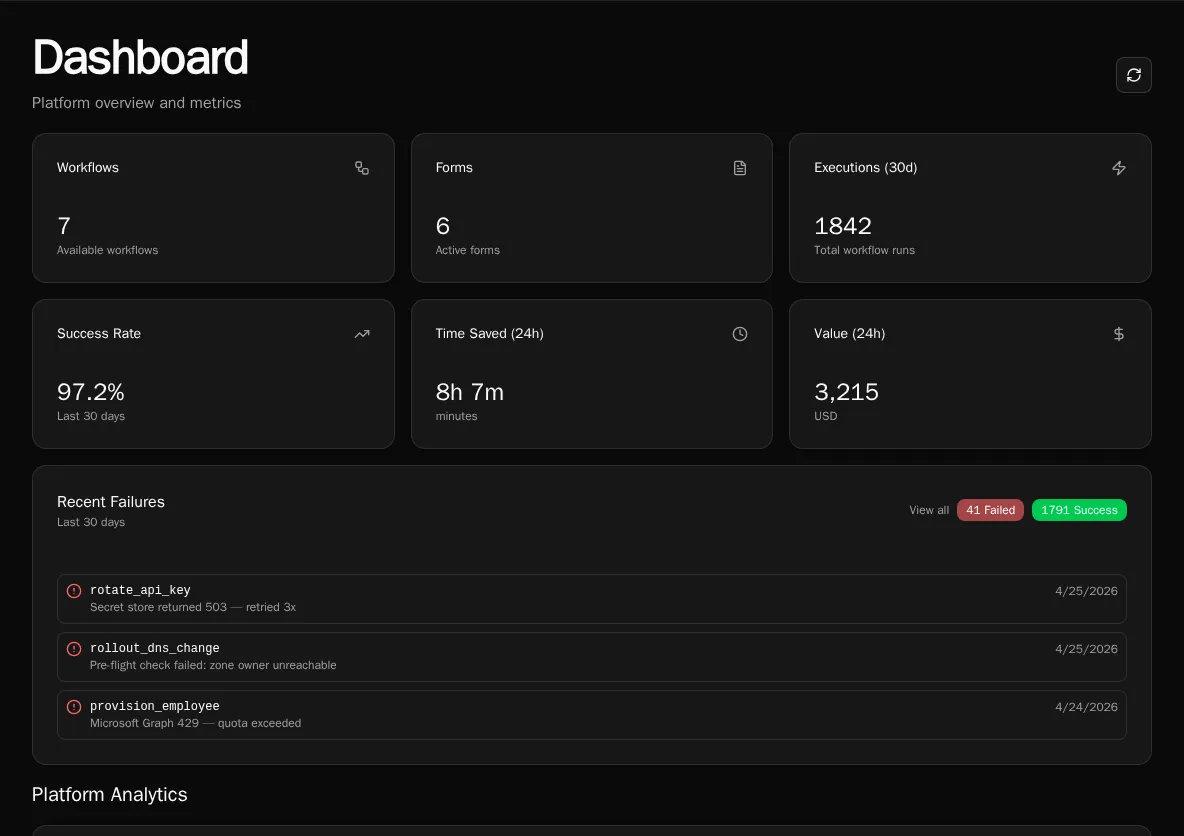
http://localhost:3000The first user to register becomes the Platform Admin.
Architecture Overview
Section titled “Architecture Overview”Docker Compose starts these services:
| Service | Purpose |
|---|---|
| api | FastAPI application - handles HTTP requests |
| client | React frontend served via nginx |
| worker | Background job processor (scalable) |
| scheduler | Runs scheduled workflows and cleanup jobs |
| postgres | Primary database |
| pgbouncer | Connection pooler for PostgreSQL |
| rabbitmq | Message queue for async jobs |
| redis | Sessions, cache, and sync execution results |
| minio | S3-compatible object storage for workspace files |
Environment Variables
Section titled “Environment Variables”The setup.sh script generates all required secrets automatically. You only need to edit .env for optional features.
Optional Configuration
Section titled “Optional Configuration”| Variable | Description |
|---|---|
BIFROST_DEFAULT_USER_EMAIL | Skip setup wizard by pre-creating admin |
BIFROST_DEFAULT_USER_PASSWORD | Password for default admin user |
BIFROST_CORS_ORIGINS | Allowed origins for CORS (default: http://localhost:3000) |
Single Sign-On (Optional)
Section titled “Single Sign-On (Optional)”SSO providers (Microsoft, Google, OIDC) are configured in the UI, not via environment variables.
See Configure SSO for setup instructions.
Verify Installation
Section titled “Verify Installation”Check service health:
# View all container statusdocker compose ps
# Check API healthcurl http://localhost:3000/api/health
# View logsdocker compose logs -f apidocker compose logs -f worker
Production Considerations
Section titled “Production Considerations”Security
Section titled “Security”- Generate cryptographically secure values for
BIFROST_SECRET_KEY,POSTGRES_PASSWORD, andRABBITMQ_PASSWORD - Use a reverse proxy (nginx, Traefik, Caddy) with TLS termination
- Consider using external secret management to populate
.env
Scaling Workers
Section titled “Scaling Workers”Increase worker replicas for higher throughput:
WORKER_REPLICAS=3 docker compose upOr scale dynamically:
docker compose up -d --scale worker=3Kubernetes
Section titled “Kubernetes”For Kubernetes deployments:
- Scheduler must run as a single replica
- Workers can scale horizontally (they download workspace from S3)
- Consider managed PostgreSQL, RabbitMQ, Redis, and S3-compatible storage
- See the
k8s/directory for example manifests