
Update an Installed Solution
Apply a newer version of a Solution to an existing install — via git auto-pull, a workspace redeploy, or a single-entity edit-and-redeploy.
A Solution update is a full replace: applying a newer version overwrites the install’s managed entities with the bundle’s. How you apply it depends on whether the install is git-connected.
See whether an update is available
Section titled “See whether an update is available”For a git-connected install, Bifrost compares the installed version against the version: field of bifrost.solution.yaml at the connected ref’s HEAD (PEP-440 ordering, not git tags). When the remote descriptor version is a clean increment over the installed one, the catalog badges the install and emits a solution.update_available event. The sweep runs every 6 hours.
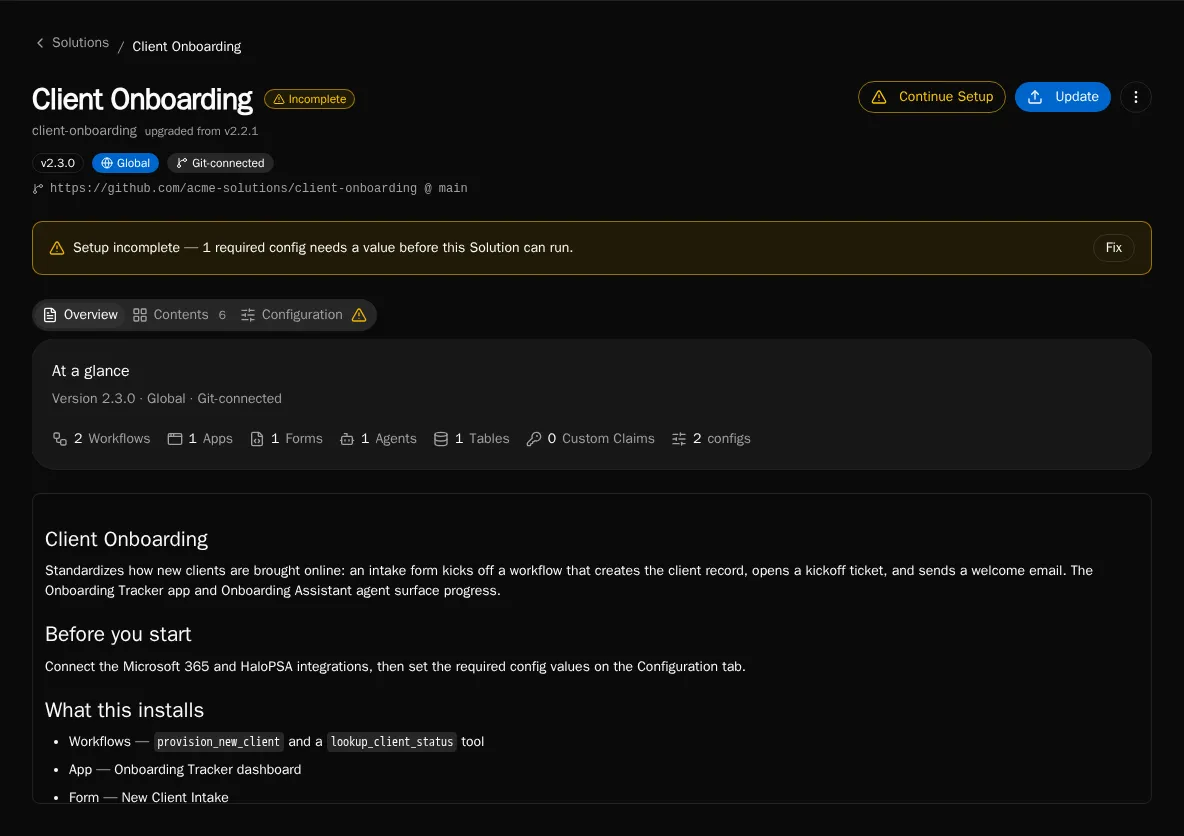
Update a git-connected install (auto-pull)
Section titled “Update a git-connected install (auto-pull)”A git-connected install is written only by auto-pull — bifrost solution deploy is refused for it (409). Trigger a pull to apply the repo’s current HEAD:
-
From the Solutions catalog, sync the install to pull the latest commit. (This is the same writer a webhook or the scheduled poll uses.)
-
Bifrost clones the repo at the connected ref, full-replaces the install’s managed entities, and clears the update-available badge.
Update from a workspace (redeploy)
Section titled “Update from a workspace (redeploy)”For an install that is not git-connected, ship a newer version by redeploying the authoring workspace.
-
Bump
version:inbifrost.solution.yaml. -
From the solution root, deploy. The command resolves the matching install and full-replaces it:
Terminal window bifrost solution deployUse
--org <id|name>or--globalto target an install in another scope, and--solution <install-id>if more than one install matches.
If the bundle version is older than the installed version, deploy 409-blocks. Apply the downgrade deliberately with --force:
bifrost solution deploy --forceUpdate one managed entity
Section titled “Update one managed entity”There is no live edit of a managed entity — saving one in the UI returns a 409. To change a single form, agent, table, or config, edit it in source and redeploy the whole bundle.
-
Edit the entity’s field in the workspace
.bifrost/*.yamlmanifest (for example, a form’s fields in.bifrost/forms.yaml, or an agent’s prompt in.bifrost/agents.yaml). -
Redeploy:
Terminal window bifrost solution deploy
Because deploy is a full replace, only the entities present in your manifest survive. Editing one entry and redeploying changes that entity and leaves the rest intact — but an entity dropped from the manifest is deleted from the install.